Notes
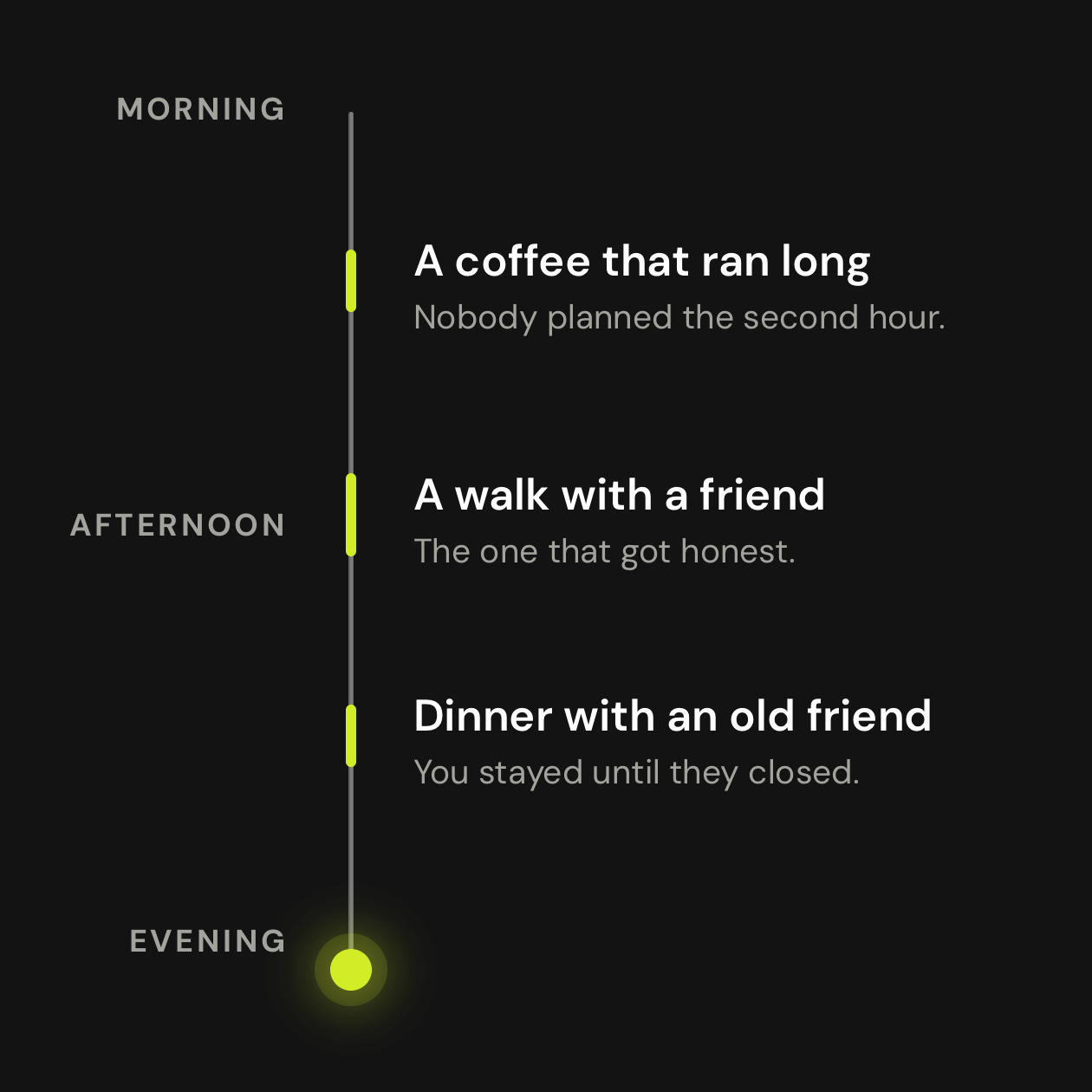
The thread of a conversation.
A summary, the main points, decisions, open questions and possible next steps. Read it when you have a moment.
Illustrative example
“You agreed to try the first idea with a small group before expanding it.”
Inside Larkin
A conversation becomes something you can revisit, understand and learn from. Here’s how it gets there, and what happens to your words along the way.
Follow a conversationClear about the process. Clear about your privacy.
Today’s beta This page describes the Apple Watch and iPhone app available to testers. The Larkin bracelet is in development.
One conversation, step by step
Your words become evidence for useful reflection. You choose which lasting facts become part of your memory.
The Watch records while you have it running.
On your wristCloud transcription turns speech into text.
Audio to textLarkin writes notes and suggests insights from the text.
Something to learn fromReview suggested facts about you. Confirm what fits.
Memory you reviewShort audio pieces wait on the Watch until delivery is confirmed. They can travel directly to the cloud or through your phone. If there’s no connection, they wait for one. Recording also hears people around you: tell them, get permission where needed, and respect their choice.
What happens to the recording
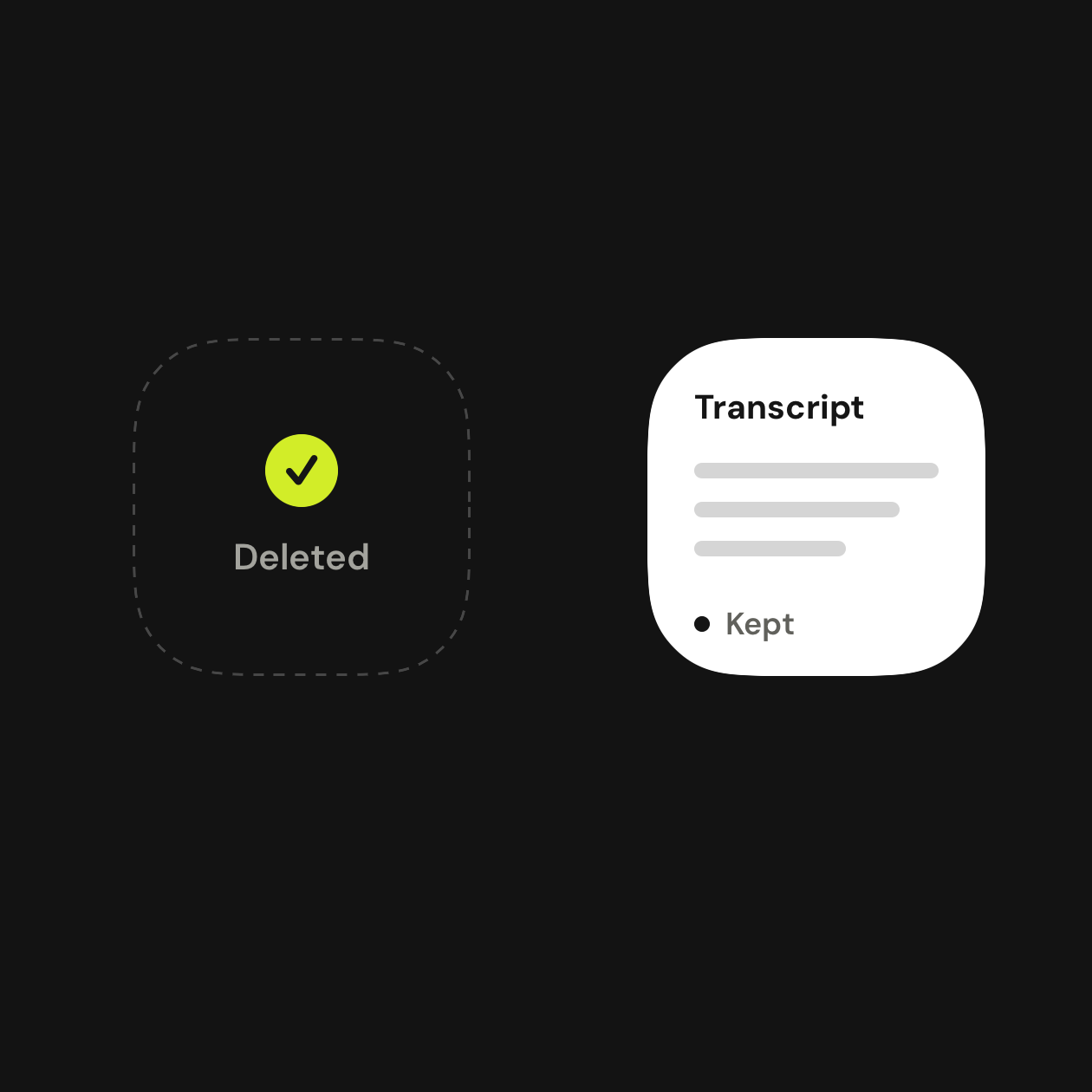
Once your phone imports a completed transcript, it deletes the cloud recording and then its local audio copy. The text remains in your account.
A note on timing. Audio can remain while an upload or phone import is waiting, or if cleanup fails. The beta currently has no fixed deletion deadline in those cases.
What the text makes possible
Larkin works from the conversation’s words and relevant context. Its suggestions are a starting point for reflection.
Notes
A summary, the main points, decisions, open questions and possible next steps. Read it when you have a moment.
“You agreed to try the first idea with a small group before expanding it.”
Insights
Observations about how you communicate, grounded in relevant passages. A specific suggestion to try next.
“You made the next step clear. Next time, ask what the other person needs before closing.”
AI can miss context or get things wrong. Speaker labels don’t prove who said something. Your judgment matters.
Memory, with your say
A lasting fact is different from a conversation note. Larkin proposes facts about you and lets you confirm or reject them.
“I run a small design studio.”
From a conversationYou run a small design studio.
You review whether it’s about youA little more understanding, next time.
Relevant confirmed facts can inform later repliesThis example is fictional. Personal facts, insights and chats live on your phone, with a backup in your account that comes back if you reinstall or change phones.

Your own space
Your transcripts aren’t publicly browseable. Account checks keep other users from opening your recordings and transcripts.
Cloud transfers use HTTPS, which encrypts data in transit.
Select and preview note sections before publishing a link. Raw audio, transcripts and chat aren’t included. Anyone with an active link can read it; Stop sharing revokes access.
Larkin’s service systems and cloud providers can access content to process it. This is not end-to-end encryption that excludes Larkin and its providers.
Who helps run Larkin
A clear role for each service, so you can follow where the content goes.
Hosts sign-in, private audio awaiting processing, transcripts and backend services. Access rules separate each person’s account.
Audio + text + account dataReceives audio for transcription. Larkin’s requests opt out of Deepgram’s model improvement program. Deepgram documents no content retention after the response for opted-out requests; usage metadata still remains.
Read Deepgram’s data policy Audio → transcriptReceives text and relevant context to write notes, insights and replies. Larkin disables saved API responses. OpenAI’s API data is not used for training by default; separate safety logs may retain content.
Read OpenAI’s data controls Text + relevant contextPostHog product usage analytics use account identifiers and event counts, without conversation text or recordings. Deleting Larkin account data does not override a provider’s separate log retention.
Your choices
Use Stop on the Watch to stop new capture. Previously recorded pieces may still finish processing.
Confirm or reject suggested facts. Check the source when a suggestion feels off.
Preview selected notes before creating a link. Revoke that link with Stop sharing.
The account deletion flow removes Larkin’s stored audio, transcripts, memory backup and account records. The app then clears its local account data.
A few useful details
Current beta behavior, reviewed on .
No. The Watch waits for confirmed delivery before removing its copy. The phone removes cloud audio after it imports completed text, then removes its local source audio. Offline periods and cleanup failures can delay that process. Independent server cleanup with a fixed deadline is still pending.
Other app users cannot browse your account’s transcripts. Larkin’s backend services and processing providers handle content to run the app. Selected shared notes are readable by anyone who has their active link. Raw transcripts are not included in those shared pages.
Larkin’s Deepgram transcription requests explicitly opt out of model improvement. OpenAI states that API inputs and outputs are not used for model training by default, unless the customer opts in. Larkin sends requests with response storage disabled. That setting is separate from provider safety logs, which can retain content under the provider’s policy.
Undelivered audio waits locally for a connection. Notes and insights arrive after cloud processing and phone import. Audio deletion may also wait for the phone to complete its part.
The cloud holds transcripts in your account and temporary audio for processing. Your phone keeps the journal you read, your insights, personal facts and chats, and saves a backup copy of them to your account. If you delete the app or change phones, signing in brings back your transcripts and that backup.
In the current beta, removing a conversation hides that note from your journal. It does not erase the underlying cloud transcript or revoke an existing share link. Use Stop sharing to revoke a link. Account deletion removes Larkin’s account records and stored audio; it does not change providers’ separate retention rules.
Yes, the microphone can hear the people around you. Tell them before recording, respect requests to stop, and follow the rules that apply where you are. The app does not identify every speaker or determine everyone’s consent for you.
A life examined.